- Most small business attacks use simple tricks such as phishing emails, weak passwords and unpatched software.
- A handful of habits, such as updates, backups, strong logins and staff training, block most of them.
- Write down what to do in an incident before one happens.
The Short Answer
Small businesses are attacked because they are easier to break into than large ones, not because attackers know their names. Most attacks use common tricks: fake emails, stolen or reused passwords and software that was never updated. The ten habits in this guide block most of them, cost little and can be started this week.
What Attackers Usually Go For
Common targets include email accounts, bank and mobile money logins, customer lists and files they can lock for ransom. A single stolen email account can be used to reset other passwords, trick your customers with fake invoices or send fraudulent messages that look like they came from you.
The 10 Habits
1. Use a password manager and unique passwords for every account. See our password manager and 2FA guide.
2. Turn on two-factor authentication for email, banking, social media and your website.
3. Update everything. Operating systems, apps, browsers, routers and plugins all receive security fixes.
4. Back up your files using the 3-2-1 rule.
5. Train your team to spot fake messages, urgent payment requests and strange links.
6. Limit access. Give staff only what they need, and remove accounts when people leave.
7. Secure your Wi-Fi with a strong password and a separate guest network.
8. Protect your devices with screen locks, encryption where available and the ability to wipe a lost phone.
9. Check payment requests by calling the person on a known number before you change bank details.
10. Have an incident plan that says who to call, what to switch off and how to restore.
Spotting Phishing
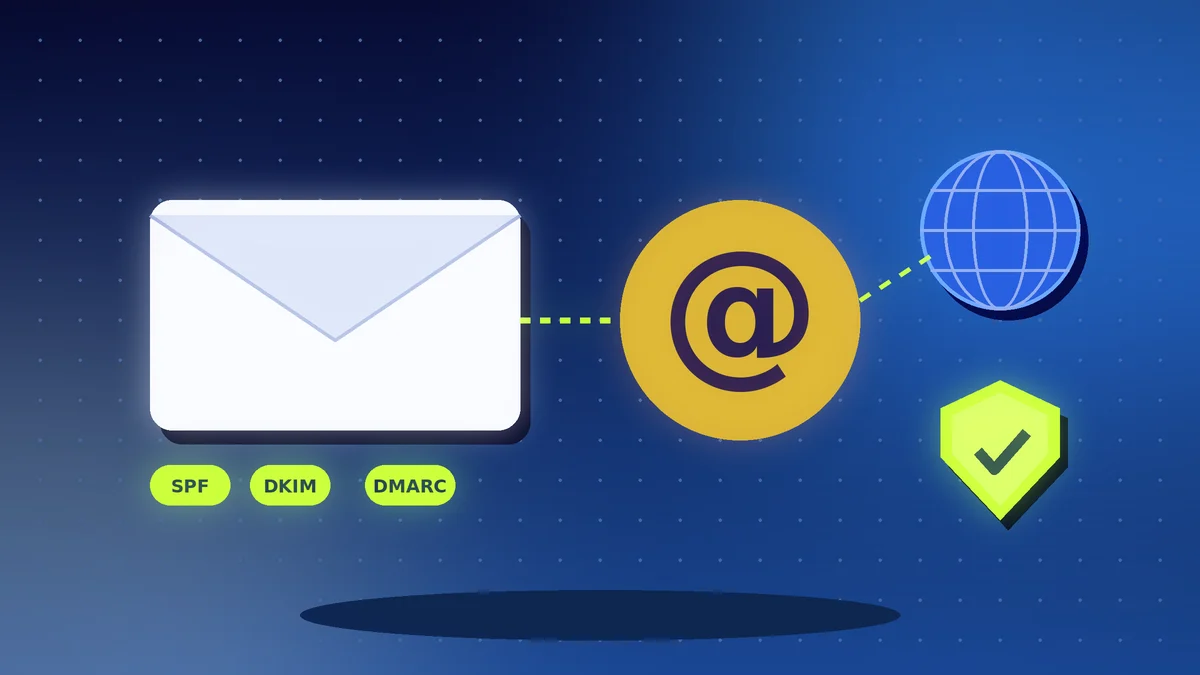
Phishing messages create pressure: a blocked account, an unpaid invoice, a prize or a boss who needs gift cards today. Check the sender's real address, hover over links before you tap, and never enter a password after following a link in a message. If in doubt, go to the website by typing the address yourself. Our guide to phishing and SIM swap fraud goes deeper.
Create a Simple Response Plan
| Step | What to do |
|---|---|
| Contain | Disconnect the affected device from the internet and change key passwords from a clean device |
| Tell | Inform your bank, your host and the people affected, as required by law or contract |
| Restore | Recover files from a clean backup, not from the infected machine |
| Learn | Find out how it happened and fix that gap |
Keep the phone numbers of your bank, hosting provider and IT helper somewhere you can reach even if your computer is locked.
Make It a Routine
Set a 30-minute monthly review: check updates, remove old accounts, test one backup restore and remind staff of one new scam they should know about. Security improves through steady habits, not through a single purchase.
Action Checklist
- Install a password manager and use unique passwords
- Turn on 2FA for email, bank and website accounts
- Enable automatic updates on all devices
- Set up and test your backups
- Train staff to recognise phishing and urgent payment scams
- Remove accounts of people who have left
- Verify bank detail changes by phone
- Write a one-page incident plan with key phone numbers