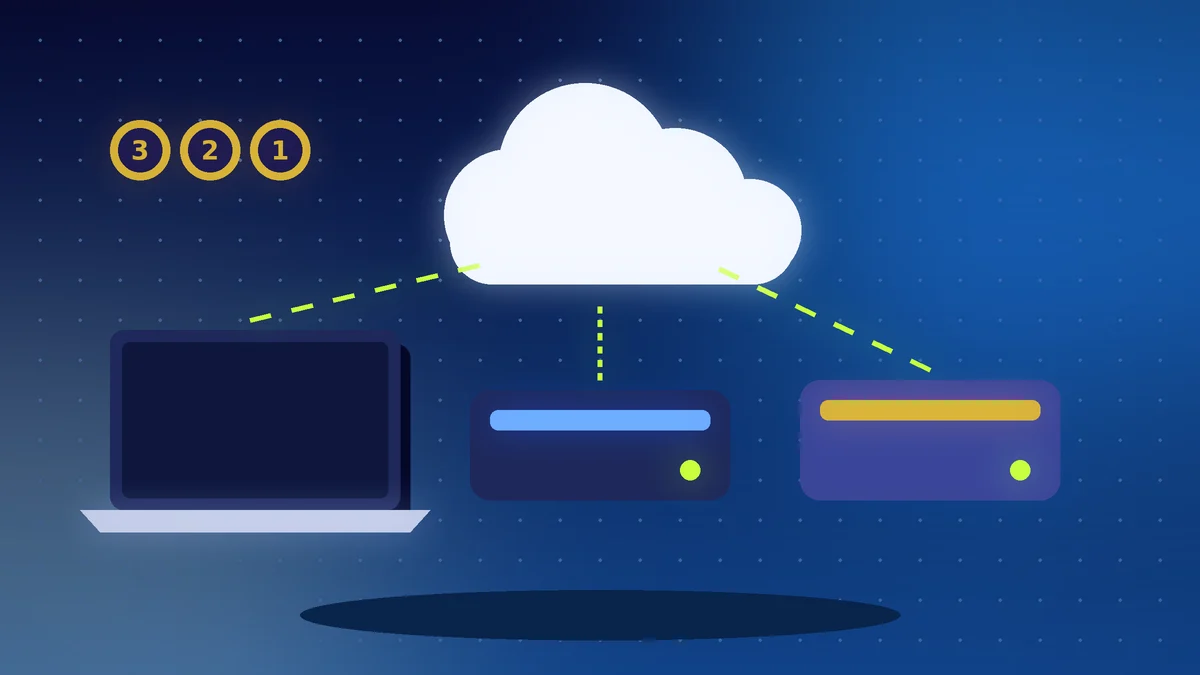
- Keep 3 copies of your data, on 2 different types of storage, with 1 copy off-site.
- A synced folder is not a backup, because deleted or infected files sync too.
- Test a restore at least twice a year.
The Short Answer
Follow the 3-2-1 rule: keep 3 copies of your data, on 2 different types of storage, with 1 copy off-site. It protects you from a failed laptop, a stolen phone, a spilled drink, a fire and ransomware. Set it up once, automate it and test it.
Why a Single Copy Is a Risk
Hard drives fail, laptops are stolen and staff delete files by accident. Ransomware can lock every file it can reach. If your only copy sits on the same machine, one bad day can end your business records, customer lists and accounts.
What 3-2-1 Looks Like in Practice
| Copy | Where | Example |
|---|---|---|
| 1 (working copy) | Your laptop or phone | Your daily files |
| 2 (second type) | External drive or NAS | Weekly or daily automatic backup |
| 3 (off-site) | Cloud backup service | Automatic nightly upload |
Two different storage types means you are not relying on one kind of failure-prone device. Off-site means the copy survives a fire, flood or theft at your office.
Sync Is Not Backup
Cloud drives such as the ones in our cloud storage comparison sync changes quickly. That is useful, but a deleted or infected file syncs too. A real backup keeps older versions you can go back to. Check how many days of version history your plan keeps.
Protect Against Ransomware
Keep at least one backup that is disconnected or cannot be changed from your normal computer, such as an external drive you unplug after the backup or a cloud service with version history. Keep your system updated and be careful with email attachments.
Test Your Restore
A backup you have never restored is only a hope. Twice a year, pick a few files and restore them to a different folder. Confirm they open and that you know the steps without searching.
Action Checklist
- List the files that would hurt most to lose
- Set up an automatic backup to an external drive
- Add an automatic cloud backup as the off-site copy
- Make sure old versions are kept, not only the latest file
- Keep one backup disconnected from your main computer
- Restore a few test files twice a year
- Write the restore steps down for your team