- In Nigeria, many sales start in a WhatsApp chat, so businesses lose money when replies are slow.
- Start with the free WhatsApp Business app: catalogue, labels, greeting and quick replies, then move to automated flows.
- Check Meta's current rules and pricing before building anything on the WhatsApp Business Platform.
The Short Answer
Ask a few Nigerian business owners where their customers contact them and many will say WhatsApp. Orders, bookings, price enquiries and payment confirmations all happen in chats, often late at night and often from one tired owner. The skill of organising those chats, so every customer gets a fast and clear answer, is something businesses will pay for.
You do not need to be a programmer to start. Most of the first jobs are about setting up the tools properly, writing good replies and teaching the owner a simple routine.
Start With the Free WhatsApp Business App
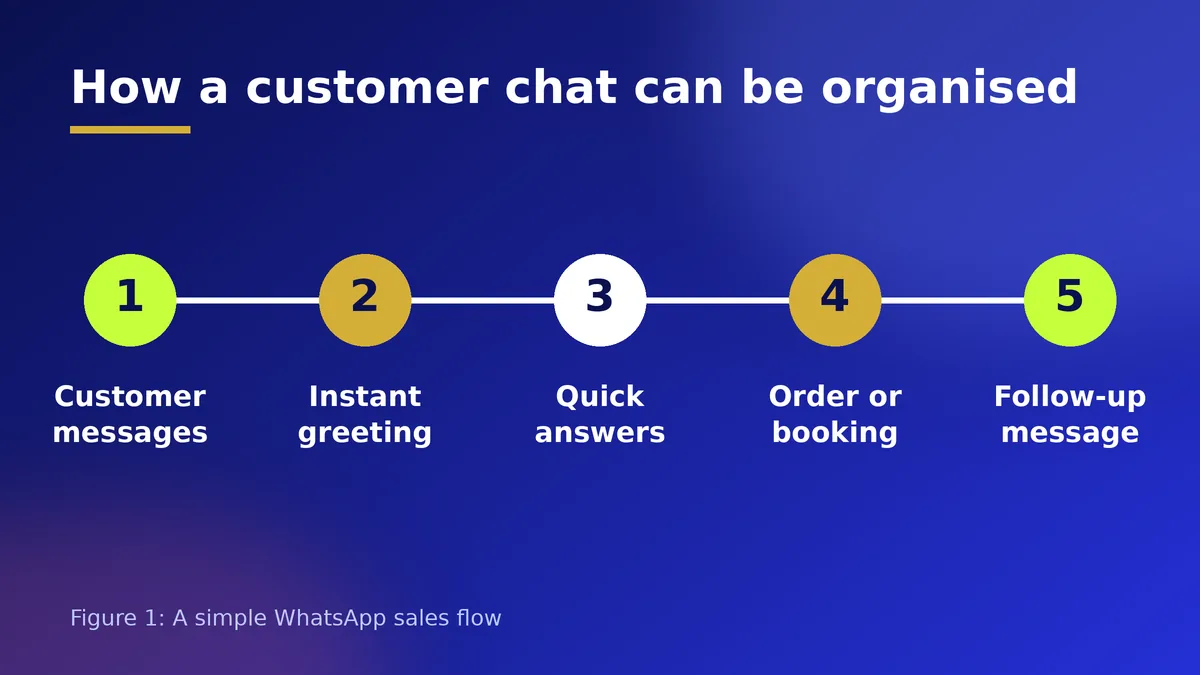
The free WhatsApp Business app already includes features many owners never use. You can build a catalogue with photos, prices and descriptions, create labels such as New customer, Paid and Delivered, set a greeting message, add an away message for after hours, and save quick replies for questions that come every day.
A first paid job can be as simple as this: set up the catalogue, write ten quick replies in the brand's voice, create the labels, and train the owner and staff for an hour. That alone can make a business feel organised and professional.
Writing Replies That Sell
Good automation depends on good words. Keep replies short, polite and specific. Greet by name when possible, answer the most common question first and always end with one clear next step, such as choose a size, send your location or pay to confirm.
Collect the questions customers ask most often, then write one answer for each: price, delivery areas, delivery time, payment details, return policy and opening hours. Review them with the owner so every reply is accurate.
Going Further: Automated Flows
When a business grows, it may want chatbots, automatic order confirmations or booking reminders. These usually use the WhatsApp Business Platform, which works through approved providers and has its own rules for message templates and pricing. Rules, fees and approval steps change from time to time, so read Meta's current documentation and your provider's price list before you promise anything to a client.
Be careful with customer data and permission. Only message people who have chatted with the business or agreed to hear from it, and never send bulk unsolicited messages. Accounts that spam can be restricted.
How to Get Clients and Charge
Look at businesses near you that sell through Instagram or WhatsApp: fashion sellers, caterers, hair stylists, pharmacies, schools and shortlet hosts. Show them a before and after of a chat that was handled well, and offer a fixed-price setup.
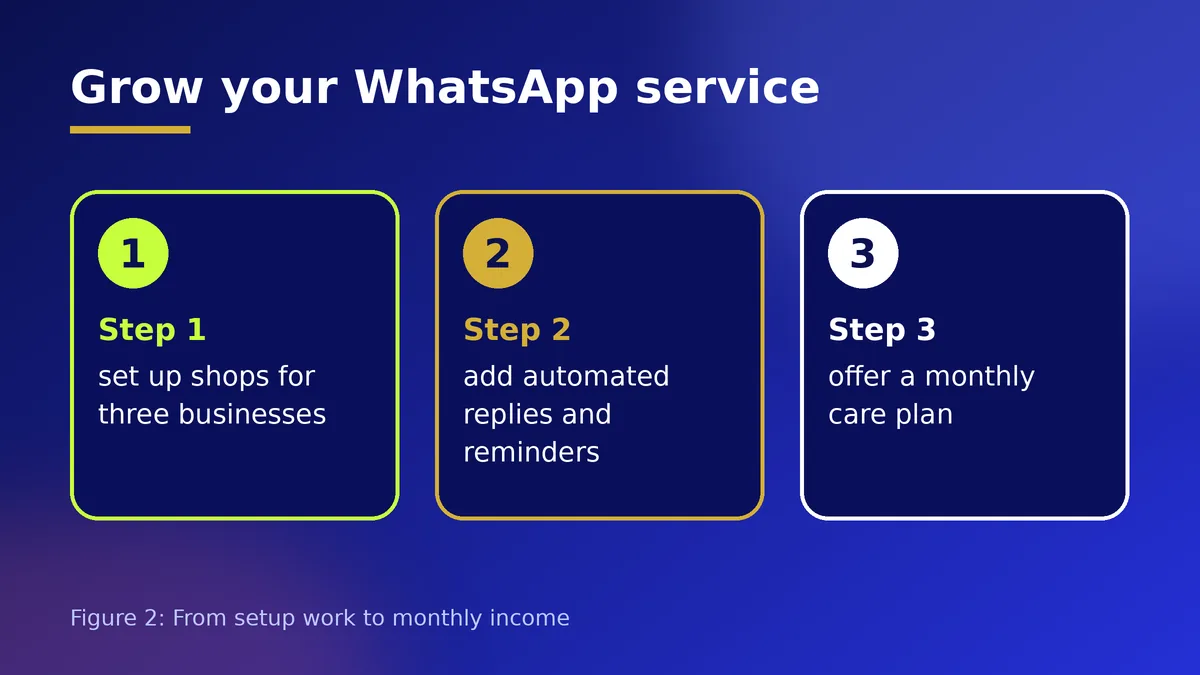
A simple offer is a one-time setup fee plus a monthly plan that covers updating the catalogue, improving replies and a short monthly review. Put the scope and price in writing and agree what the business must provide, such as photos and price lists.
Common Mistakes
Do not use someone else's number or account without permission. Do not promise that automation will double sales. Do not set up robot replies that are impossible to escape: customers should always be able to reach a real person. And never share a client's chats or customer list with anyone else.
Action Checklist
- Learn every feature of the WhatsApp Business app
- Build a sample catalogue and ten quick replies
- Create a one-page offer with a fixed setup price
- Offer setup to three nearby businesses
- Read Meta's current rules before building flows
- Agree scope, price and a monthly plan in writing
Frequently Asked Questions
Can I do this with the normal WhatsApp app?
The free WhatsApp Business app is the right place to start. It includes a catalogue, labels, a greeting message and quick replies. Larger chatbot or flow setups need the WhatsApp Business Platform through an approved provider.
Will automated messages get an account banned?
Spam and unwanted bulk messages can lead to restrictions. Message only people who have contacted the business or agreed to hear from it, follow WhatsApp's current rules and let people opt out.
What should I charge?
Charge a setup fee for catalogue, replies and training, plus a smaller monthly fee for updates and support. Base the price on the time and sales the business gains, and agree it in writing.