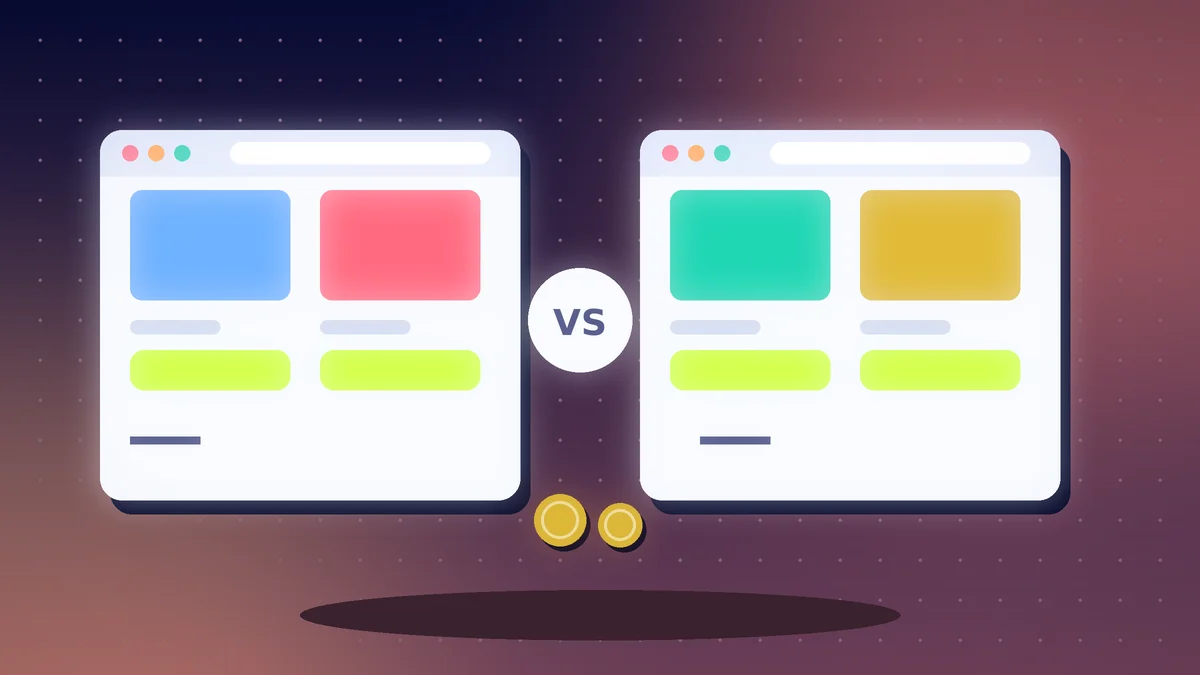
- Shopify is a hosted all-in-one platform, while WooCommerce is a free plugin that runs on your own WordPress site.
- Compare the total cost, including plans, apps, hosting, payment fees and your time.
- Make sure the platform supports payment options that work in your country.
The Short Answer
Shopify is a hosted, all-in-one store builder that handles hosting, security and updates for a monthly fee. WooCommerce is a free plugin for WordPress that gives you more control but needs your own hosting and more upkeep. Beginners who want a simpler setup often prefer Shopify. People who already use WordPress, want full control or have a tight budget often prefer WooCommerce. Prices and features change, so check each platform's current plans.
Side-by-Side
| Factor | Shopify | WooCommerce |
|---|---|---|
| Setup | Quick, with built-in hosting | Needs WordPress, hosting and plugin setup |
| Cost | Monthly plan plus apps and payment fees | Plugin is free, but you pay for hosting, themes and extensions |
| Control | Flexible within the platform | Very high, since you own the code and data |
| Maintenance | Mostly handled for you | You update, back up and secure the site |
| Payments | Depends on supported gateways in your country | Many gateways through plugins |
| Support | Platform support | Hosting, plugin and community support |
Check Payments First
Before you choose, confirm that the platform supports a payment method that works in your country and for your customers. Read our guide on accepting online payments safely, and compare provider fees and payout times.
Count the Real Cost
Add up the plan or hosting, theme, apps or plugins, payment fees, domain, email and time. A free plugin can still become costly if you need many extensions or a developer. A monthly plan can also grow as you add apps.
Think About Growth
Both can run large stores. WooCommerce gives deeper customisation, and Shopify makes scaling simpler because the platform handles the servers. If you may later change platforms, make sure you can export products, customers and orders.
Speed, Security and Trust
Fast pages sell more. Compress images and keep plugins to a minimum. Show clear delivery times, return rules and contact details. For store basics, read our guide on starting an online store in Nigeria.
Our Simple Rule
Choose Shopify if you want to launch quickly with less technical work. Choose WooCommerce if you already know WordPress, want more control or need a very flexible setup. Test with a small catalogue before you commit to either.
Action Checklist
- Confirm that each platform supports your payment options
- List the total monthly and yearly cost of each
- Check delivery and tax features for your country
- Test a demo or trial with a few products
- Make sure you can export your data
- Plan backups, security and speed
- Start small and improve as you learn