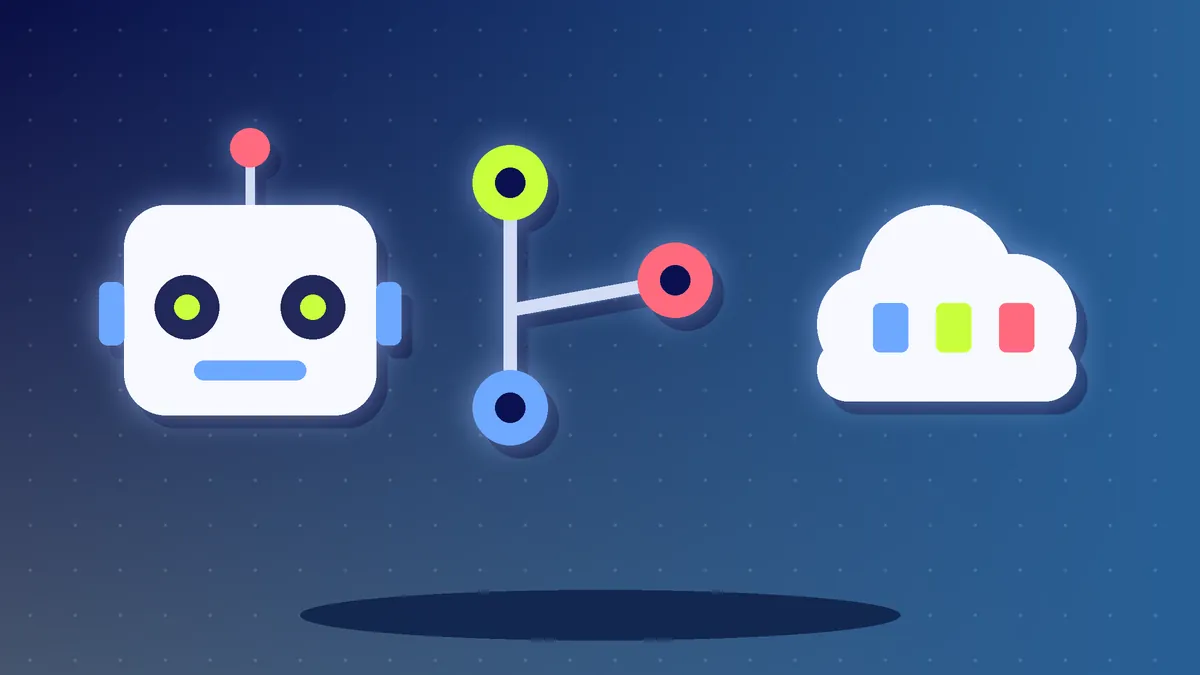
- Model Context Protocol (MCP) is an open standard for connecting AI apps to tools and data sources.
- It works like a universal plug, so one connection style can serve many tools.
- Only connect trusted MCP servers and limit what each one can do.
The Short Answer
The Model Context Protocol, or MCP, is an open standard introduced by Anthropic in late 2024 that lets AI applications connect to outside tools and data in a consistent way. Before MCP, each AI app needed a custom connection for every tool, such as a calendar, a database or a file store. With MCP, a tool can publish one server and any AI app that supports the standard can use it. Think of it as a universal plug for AI.
The Problem MCP Solves
AI models are good at language but know nothing about your files, your calendar or your company data unless something connects them. Custom connections are slow to build and hard to maintain. MCP gives everyone one shared method, so developers build a connection once and reuse it.
How It Works in Simple Terms
| Part | Plain meaning |
|---|---|
| Host or client | The AI app you use, such as a chat app or a code editor |
| MCP server | A small program that exposes a tool or data, such as a document store or a project tracker |
| Tools | Actions the server allows, for example 'search files' or 'create ticket' |
| Resources | Information the server can share, such as documents or records |
When you ask the AI a question, it can call the right tool through the server and use the result in its answer. This is a key building block for AI agents.
Examples of What You Can Connect
- A code repository so the AI can read and change project files.
- A calendar or email so it can find meeting times.
- A database so it can answer questions about business data.
- A project tool so it can create and update tasks.
Security Basics
- Install MCP servers only from sources you trust, since a server can run code and access data.
- Give each connection the least access it needs, preferably read-only to start.
- Be careful with servers that read web pages or emails, because hidden text can try to trick the AI.
- Review actions that send, delete or change data before approving them.
Should You Learn It?
If you build software with AI tools, understanding MCP is a useful skill. If you are not a developer, you may simply see it as a list of 'connectors' inside an AI app. Either way, treat each connection like giving a new person access to your account.
Action Checklist
- Understand what each connector can access
- Use only trusted servers
- Start with read-only access
- Approve risky actions manually
- Remove connections you no longer use