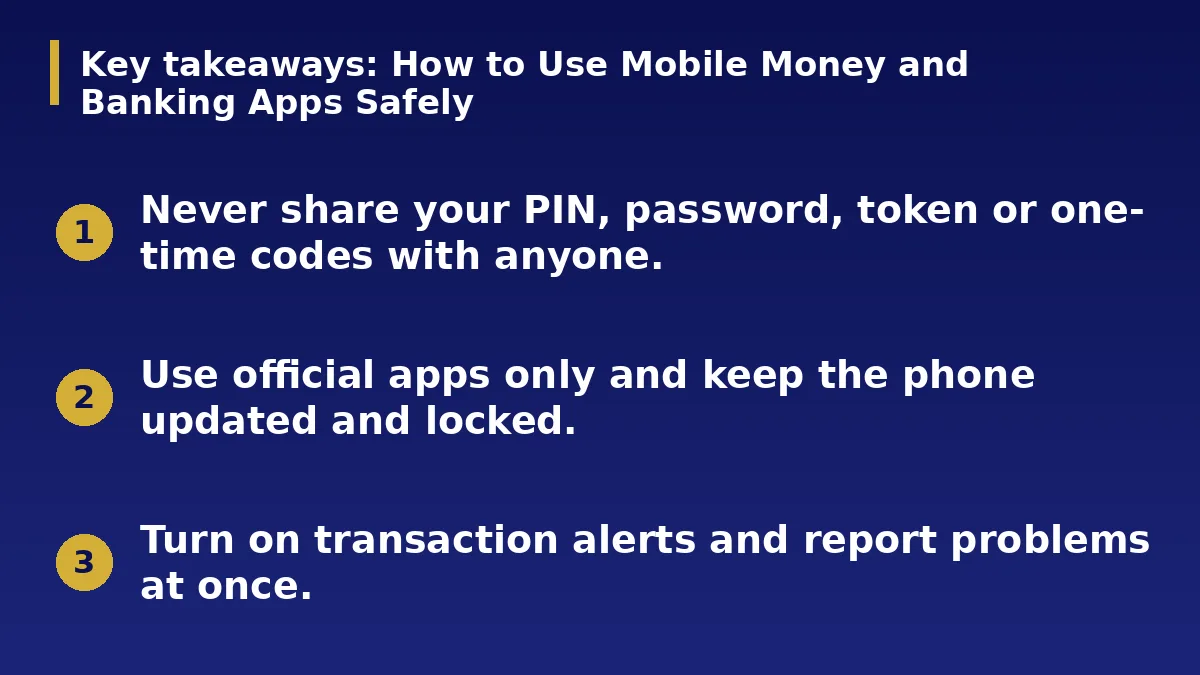
- Never share your PIN, password, token or one-time codes with anyone.
- Use official apps only and keep the phone updated and locked.
- Turn on transaction alerts and report problems at once.
The Short Answer
Banking and wallet apps are convenient, and fraudsters know it. Most losses happen when someone is tricked into sharing a code or installing a fake app. A few habits protect most of your money.
Secure Your Phone and Login
Lock your phone with a PIN or biometrics. Use strong, different passwords for banking apps and your email, and turn on any extra security the app offers. Do not save passwords in plain notes.
Keep your SIM protected with a PIN and tell your network if you lose it.
Use Official Apps and Safe Networks
Download the app only from your phone official app store and check the developer name. Avoid links in messages that claim to be from your bank. Do not do banking on public Wi-Fi if you can avoid it.
Log out after you finish and keep your phone software updated.
Spot Fraud Tricks
Fraudsters pose as bank staff, ask for codes to reverse a mistaken payment, or claim you have won a prize and need to pay a fee. Real banks never ask for your PIN, password or full card details.
Be careful at ATMs and agent points. Cover the keypad and never let anyone help you with a transaction.
Set Alerts and Limits
Turn on SMS or app alerts for every transaction. Set daily transfer limits that match your needs. Check your balance and history often, and look for small unknown debits.
Keep your contact details up to date with the bank.
If Something Goes Wrong
Contact your bank immediately using the number on your card or in the official app. Ask them to block your card or account, report the problem and get a reference number. Change your passwords and tell family if your phone was used.
Keep screenshots and records for any dispute.
A Worked Example
Imagine a caller says they are from your bank and that a payment was sent to you by mistake. They ask you to send back a code you just received. If you share it, they can approve a transfer from your account. The bank never needs that code from you.
End the call, then phone the bank using the number on your card and report the attempt.
Mistakes to Avoid
Do not keep banking PINs in your phone notes. Do not install apps from links or let anyone take control of your phone remotely. Do not ignore small unknown debits, because fraudsters test accounts with small amounts first.
Do not delay reporting a problem, because speed improves your chance of recovery.
Action Checklist
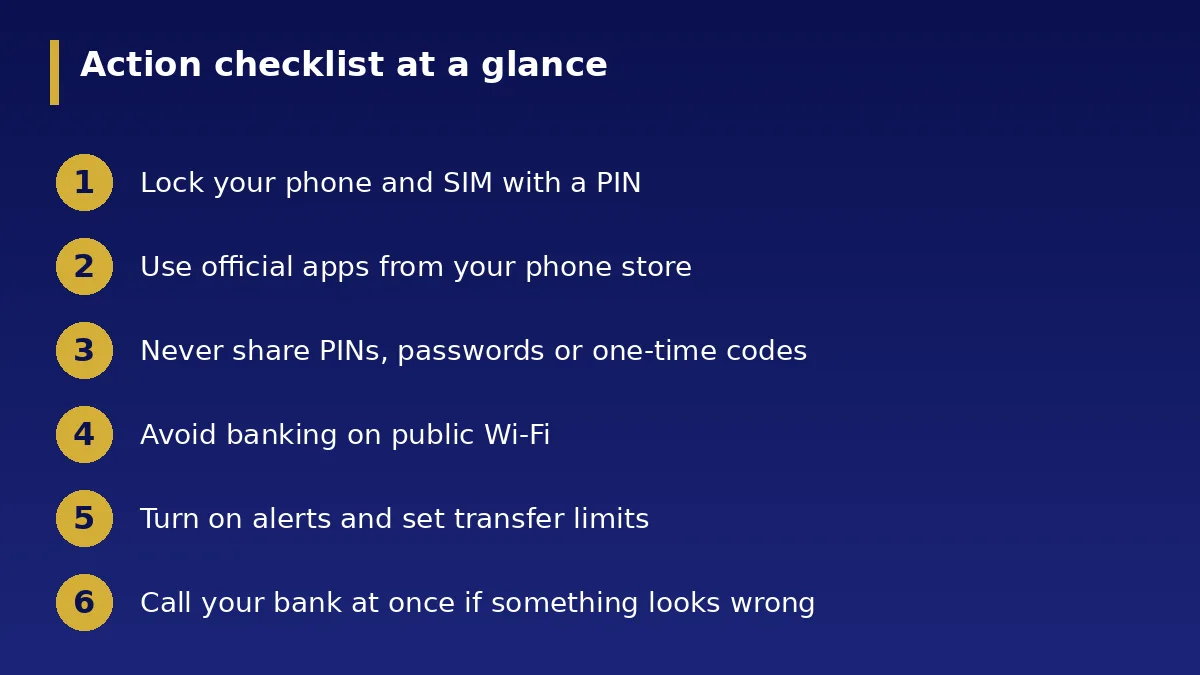
- Lock your phone and SIM with a PIN
- Use official apps from your phone store
- Never share PINs, passwords or one-time codes
- Avoid banking on public Wi-Fi
- Turn on alerts and set transfer limits
- Call your bank at once if something looks wrong