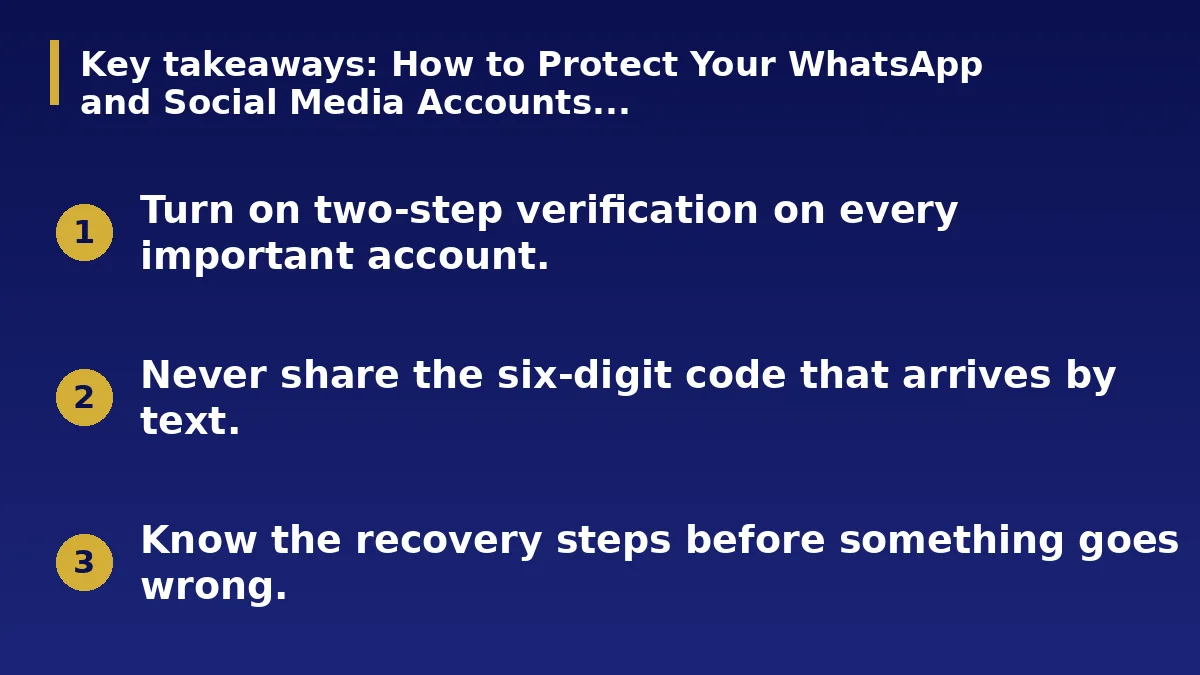
- Turn on two-step verification on every important account.
- Never share the six-digit code that arrives by text.
- Know the recovery steps before something goes wrong.
The Short Answer
Account takeovers usually succeed because someone shared a code or reused a password. A few settings and habits stop most of them. Spend ten minutes securing your main accounts today.
Turn On Two-Step Verification
In WhatsApp, open settings, choose account and turn on two-step verification with a PIN you remember and an email for recovery. Do the same on Instagram, Facebook, TikTok, X and your email.
Use an authenticator app where possible instead of text messages.
Never Share Codes
A common trick is a message from a friend saying they sent you a code by mistake and asking you to send it back. Sharing it hands over your account. No real company or friend needs your verification code.
If a contact asks for money in a chat, call them to confirm first.
Strong Passwords and Safe Logins
Use a long unique password for each account and keep them in a password manager. Be careful with logins through links in messages. Check linked devices in your settings and log out of any you do not recognise.
Avoid public computers for logging in.
Reduce What Hackers Can Use
Limit who can see your phone number, profile photo, status and groups. Be careful with quizzes and apps that request access to your account.
Keep the app and phone updated for security fixes.
If You Are Hacked
Try to log in again and use the official recovery steps. Tell your contacts through another channel so they do not send money. Change your email password first, then others, and check for forwarded messages.
Report the account to the platform and contact your bank if money was involved.
Real Takeover Scams
In one common scam, you receive a message from a friend asking you to vote for them or confirm something, with a link that asks you to log in. In another, someone claims to be from support and asks for a code. In both, the goal is to steal your login or code.
If a friend suddenly asks for money or codes, call them before you respond.
Protect Your Phone and Email
Your phone number and email are the keys to most accounts. Lock your phone with a PIN or biometrics, protect your SIM with a PIN and use a strong password and two-step verification on your email.
Do not leave your phone unlocked around strangers.
Teach Family and Friends
Hackers often attack one person and then target their contacts. Explain these tricks to relatives and friends, especially older family members.
Agree a simple rule: no money or codes by message without a phone call to confirm.
Action Checklist
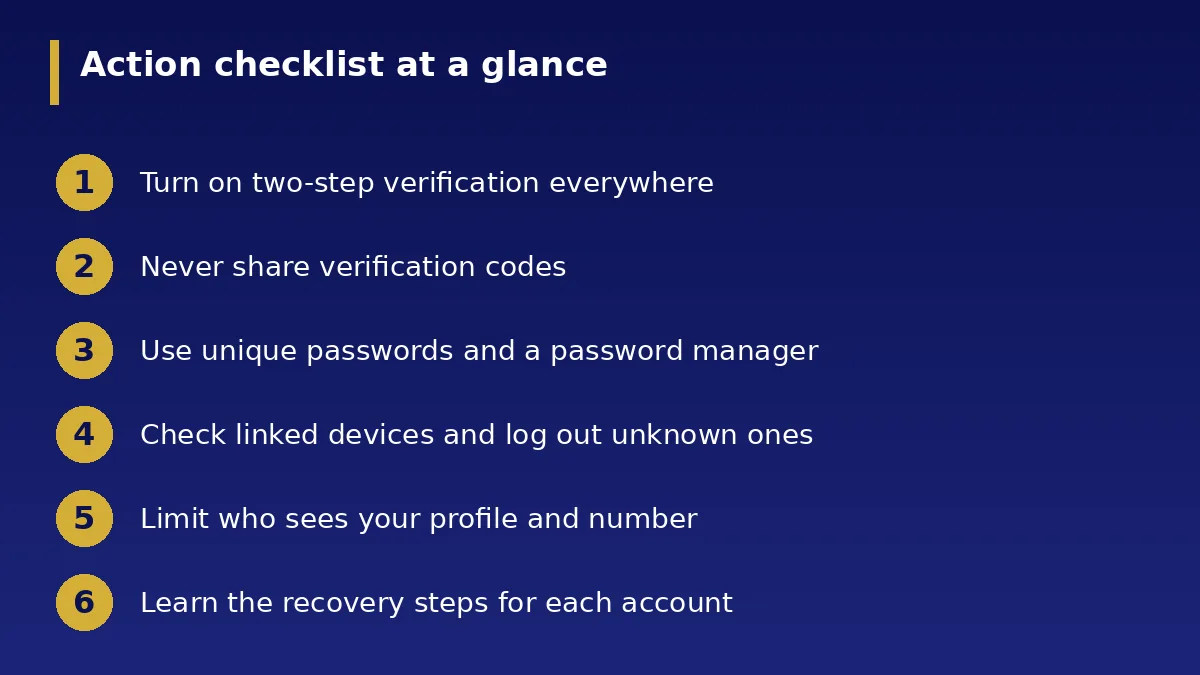
- Turn on two-step verification everywhere
- Never share verification codes
- Use unique passwords and a password manager
- Check linked devices and log out unknown ones
- Limit who sees your profile and number
- Learn the recovery steps for each account