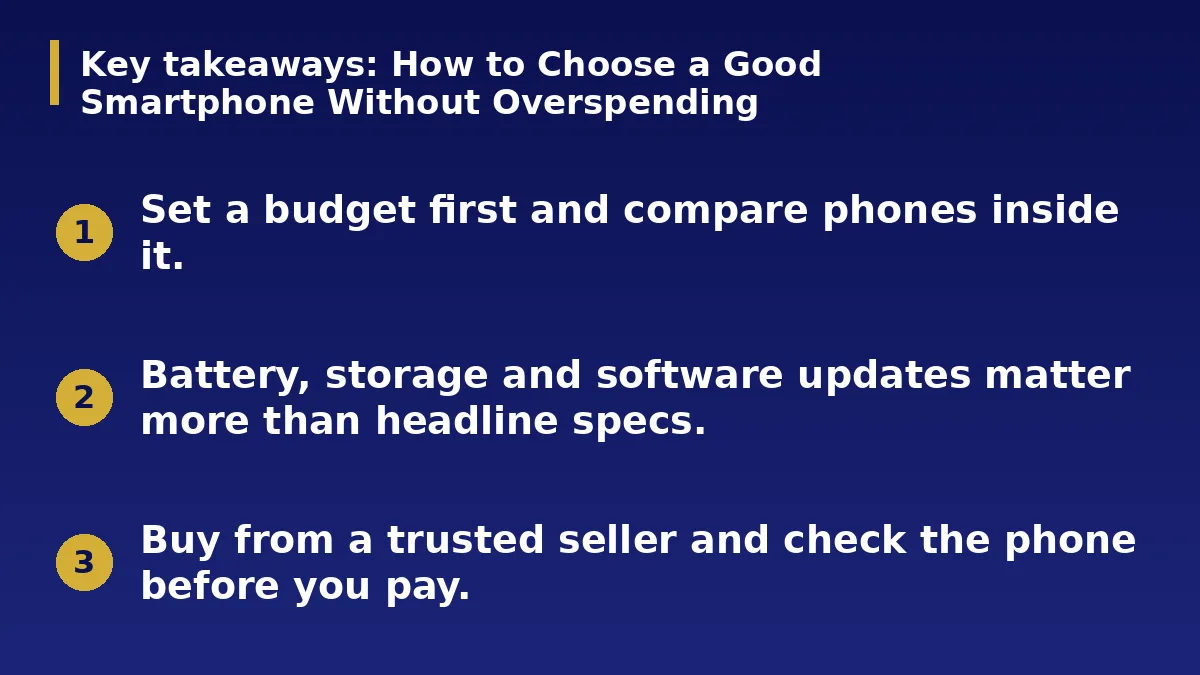
- Set a budget first and compare phones inside it.
- Battery, storage and software updates matter more than headline specs.
- Buy from a trusted seller and check the phone before you pay.
The Short Answer
The best phone is the one that fits your needs and budget, not the most expensive one. Decide what you use it for, set a ceiling and compare a few models on the features that affect daily life.
Set a Budget and Needs List
Write down what you do most, such as calls, social media, photos, banking, study or work. Add must-haves like a long battery life or a good camera.
Remember extra costs: a case, a screen protector, a charger and data. Stay inside your total.
The Specs That Matter
Look for at least four gigabytes of memory, and more for heavy use. Choose enough storage, since photos and apps fill space quickly. Check the battery capacity and independent battery tests.
A sharp, bright screen and a decent camera in low light improve everyday use more than a very high megapixel number.
Software Updates and Support
A phone that gets security updates for several years stays safer and lasts longer. Check how long the maker promises updates and whether repairs and parts are available locally.
Cheap phones from unknown brands can lack updates and support, which costs more over time.
Buy Smart
Compare prices at trusted shops and official stores and avoid deals that look too good. Check the box, serial number and warranty, and make sure the phone is new and not blocked or reported lost.
Test the screen, camera, speakers and charging before you leave, and keep your receipt.
Phones for Different Needs
Students may value battery life and a durable body. Content creators need a good camera, plenty of storage and a smooth screen. Business owners often need reliable updates, good security and dual SIM support.
Pick the phone that matches your pattern of use instead of paying for features you will not touch.
Mistakes to Avoid
Do not buy only on camera megapixels or the number of cores. Do not choose a model with very low storage, because it will fill up quickly. Be careful with unusually cheap phones sold without a receipt or warranty.
Avoid deals that need you to pay before you can inspect the phone.
Look After Your Phone
Use a case and screen protector, update the software and avoid overnight charging every night to protect the battery. Back up your photos and contacts regularly.
Use a trusted charger and cable, which are safer and protect the battery over time.
Action Checklist
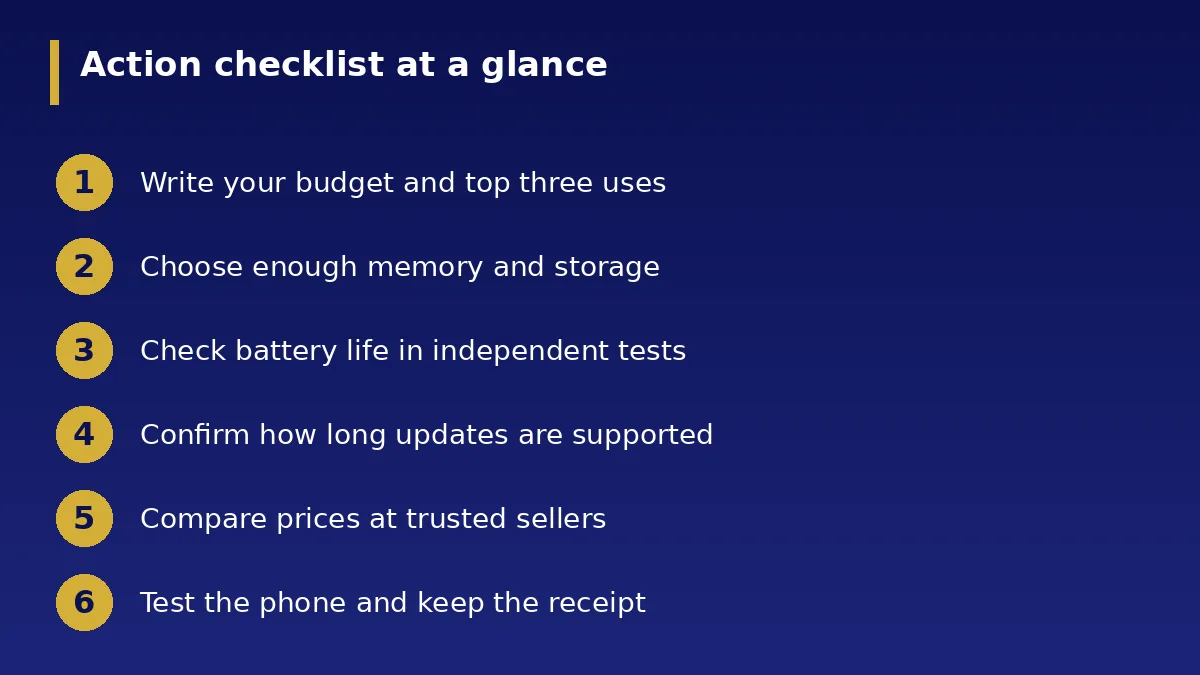
- Write your budget and top three uses
- Choose enough memory and storage
- Check battery life in independent tests
- Confirm how long updates are supported
- Compare prices at trusted sellers
- Test the phone and keep the receipt